The Best Workout Apps for Beginners Who Need Structure, Not Noise
The best workout apps for beginners are not the ones with the most features. They are the ones that provide clear structure, simple instructions, realistic progression, and enough flexibility to keep training from feeling noisy or overwhelming.
TL;DR: Choose an app with beginner plans, form guidance, adjustable sessions, simple tracking, rest days, and minimal distractions. Avoid apps that push constant challenges, extreme calorie messaging, or random workouts without progression.
Structure Beats Feature Overload
Beginners usually need fewer decisions, not more. Many fitness apps open with hundreds of workouts, badges, leaderboards, reminders, meal prompts, influencer videos, and upgrade messages. That can feel motivating for a day and exhausting by the end of the week. A useful beginner app acts like a quiet coach. It tells you what to do today, explains how hard it should feel, and helps you return after a missed session.
Any app should still fit basic activity principles. The CDC adult physical activity guidance gives a helpful foundation for weekly aerobic and muscle-strengthening activity. A beginner app should make those ideas easier to practice, not replace judgment, medical advice, or common sense.
Feature one is a true beginner pathway. Look for plans labeled by level, not just intensity. A beginner plan should include warm-ups, rest days, movement explanations, and shorter starting sessions. It should not assume that you already know how to squat, hinge, brace, pace cardio, or modify a movement. Progression should be gradual enough that the second week feels possible.
What a Beginner App Should Do
Feature two is adjustable session length. Real beginners often train around work, caregiving, travel, soreness, and low energy. An app that allows 10-, 20-, and 30-minute versions is more useful than one that treats every missed full session as failure. The ability to swap equipment also matters. A home workout, dumbbell workout, and gym workout should not require three unrelated programs.
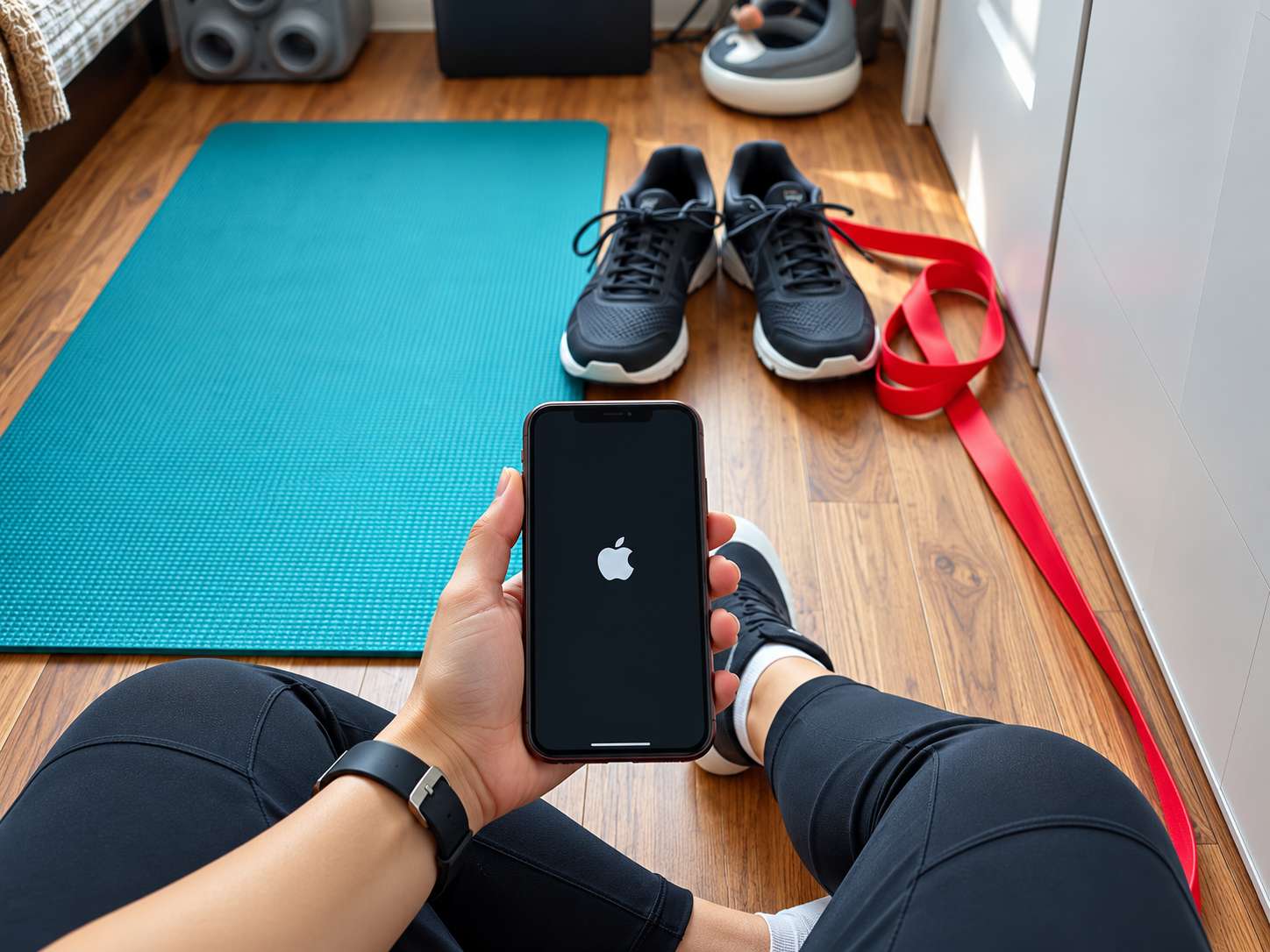
Feature three is clean tracking. You need to know what you did, not analyze a dashboard that looks like a cockpit. Useful tracking includes completed sessions, exercise versions, loads, reps, time, effort, and notes. For cardio, pace, distance, or minutes may help. For strength, exercise history matters. If the app turns every number into pressure, it may be too loud for a beginner.
Signals an App Is Too Noisy
Beginners should also decide where they prefer to train. The article on bodyweight vs gym workouts can help you choose an app that matches your environment instead of downloading a gym-heavy program when you plan to exercise at home.
Feature four is instruction quality. Good apps show movement from useful angles, explain common errors, and offer easier options. Be cautious with apps that rely only on fast demos, dramatic transformations, or vague cues. If you feel joint pain or confusion, stop and choose a simpler version. An app cannot assess your body in the way a qualified coach, clinician, or physical therapist can.
Feature five is low-noise design. Notifications should help you remember, not shame you. Challenges should be optional. Social feeds should not be required. Music, badges, streaks, and calorie targets may motivate some users, but they can distract others from the main goal: learning how to train consistently. The best app is often the one you understand immediately.
If your main struggle is schedule consistency, pair the app decision with the guide on building a workout routine during busy seasons. An app can supply structure, but the calendar still decides whether the plan survives real life.
Two-Week App Trial
Common mistakes include choosing an app because it looks advanced, starting with a celebrity program, ignoring rest days, and switching apps before giving one plan enough time. Another mistake is using calorie estimates as the main reward. Those estimates can be imprecise. Completion, strength improvement, walking minutes, better technique, and confidence are often better early metrics.
A simple app checklist looks like this: beginner plans, form demos, modifications, adjustable time, clear rest days, simple history, equipment filters, and respectful reminders. Nice extras include offline access, mobility sessions, calendar integration, and exportable notes. Red flags include constant upsells, extreme before-and-after messaging, unclear credentials, and plans that jump difficulty too quickly.
Privacy settings deserve attention. Fitness apps may request health, location, contact, or notification permissions. Beginners should only share what is necessary for the feature they actually use. A workout timer does not always need location tracking. A strength log does not always need social access. Simpler settings can make the tool feel safer and calmer.
Cost is another filter. A paid app can be worthwhile if it provides a clear plan you follow, but a free app or spreadsheet may be enough for simple walking and strength routines. Do not pay for features that distract from the next workout. The best value is the tool that increases follow-through.
The app should also make rest visible. Beginners may think daily hard sessions prove commitment, but recovery is part of adaptation. Look for plans that schedule easier days, explain soreness, and do not punish missed workouts with alarming streak messages. A calm app teaches rhythm instead of urgency.
Finally, check how the app talks to you. Beginner tools should use neutral, respectful language. Avoid platforms that shame missed days, glorify exhaustion, or imply that pain is proof of progress. Supportive wording can make consistency feel possible.
The next step is to test one app for two full weeks using the easiest appropriate plan. Do not add extra challenges during the trial. Notice whether you know what to do, recover well, and feel more confident. If the app reduces decisions, keep it. If it creates stress, choose a simpler tool, even if it has fewer features.